Your app posts itself
AI that turns your App Store link into TikToks, Reels and Shorts, and posts them for you.
Stratos writes every hook from your own reviews and builds the posts, then keeps your schedule full. You never film anything.
- Posts to
- TikTok
- Instagram Reels
- YouTube Shorts
Posts on this page were made for
- Skini
- Candle
- MakeMe
- Wrestle AI
This week
5 posts, TikTok drafts
Mon
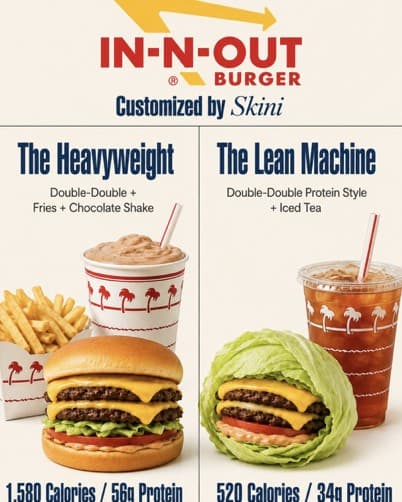 8:17 AMPosted
Tue
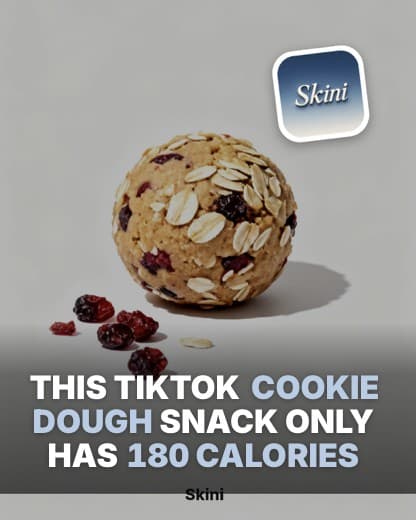 12:46 PMPosted
Wed· Today
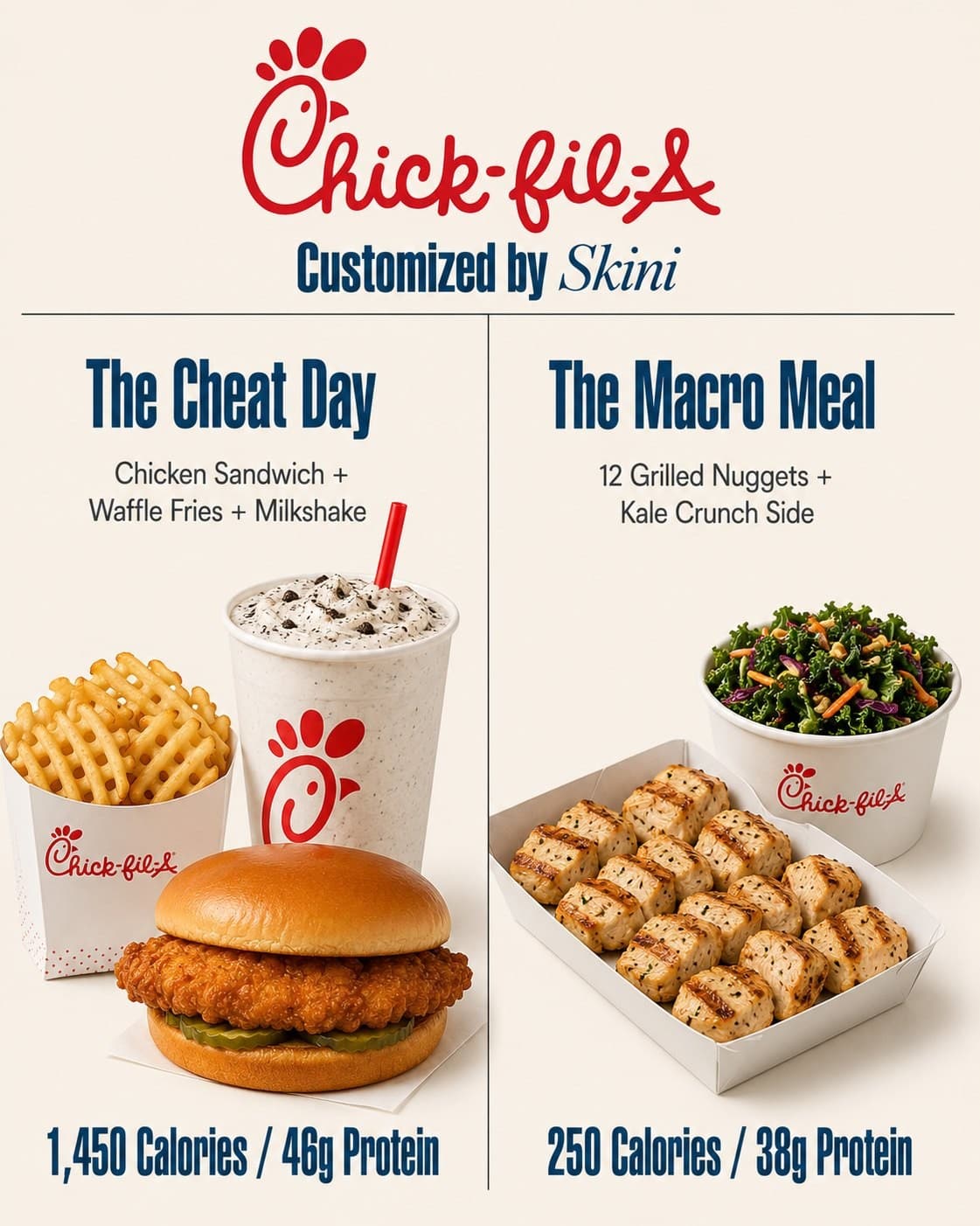 5:14 PMUp next
Thu
 8:17 AMScheduled
Fri
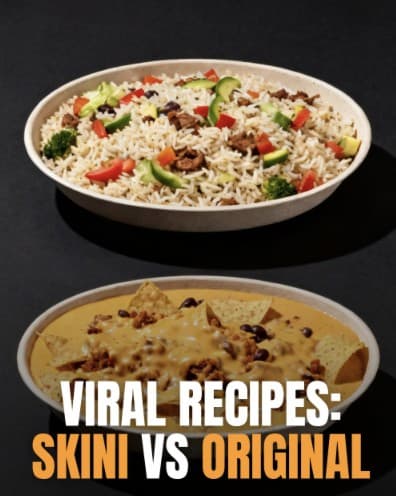 12:46 PMScheduled
The calendar
Skini’s week in Stratos. Every post in it was made and scheduled by Stratos for Skini, a nutrition app. Nobody opened a design tool.
Formats
Formats that already work on TikTok, written for your app
Stratos picks the formats that suit your app and writes each one from what it learned about it. These are real posts it made for four different apps.
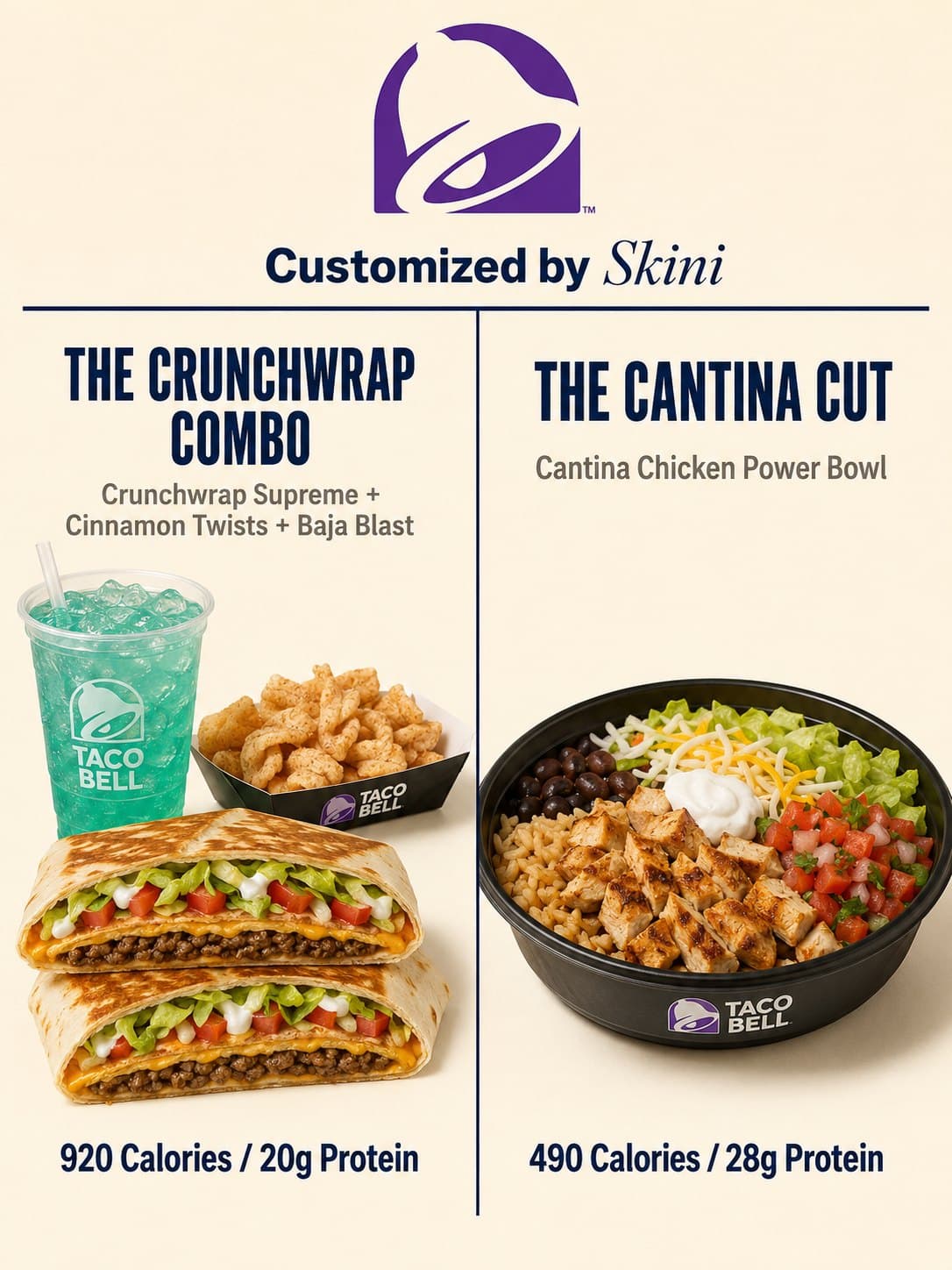
Skini · nutrition
Brand comparison
Two orders from a chain everyone knows, with the app's numbers on both.

MakeMe · beauty
Editorial list
A soft-sell list that reads like a magazine page rather than an ad.

Candle · trading
Hot take
One sharp claim on a real-looking photo. The format that earns replies.

Wrestle AI · wrestling
Ranking
A countdown people swipe through to find out what came first.
Skini · nutrition
Swap
The thing they already buy, and the version the app would pick instead.
Skini · nutrition
One-number hook
One number, big enough to stop a thumb.
Skini · nutrition
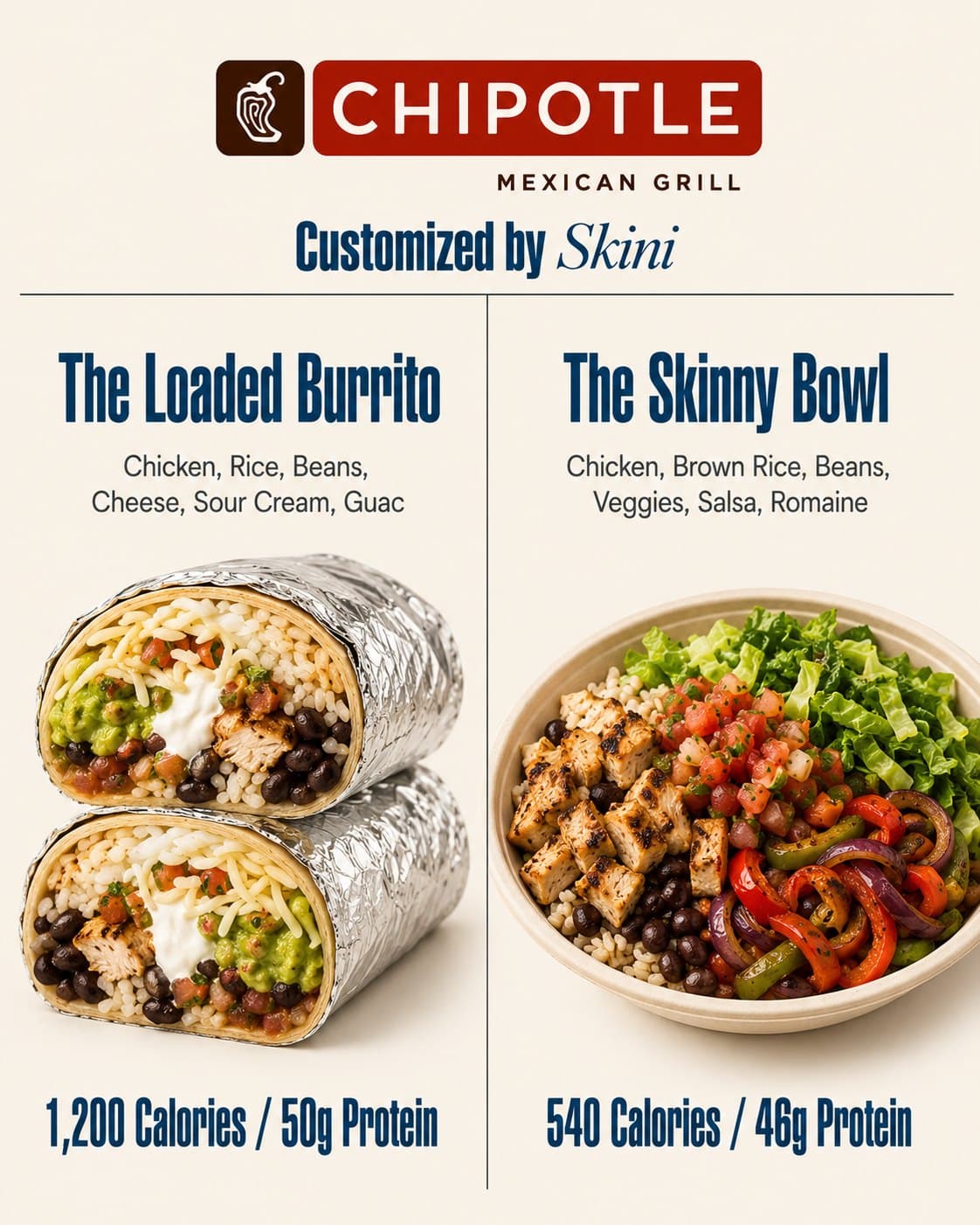
Menu guide
The indulgent order and the smart one, side by side, on the brand's own menu.
Skini · nutrition
Versus
A recipe everyone has already seen, and the app's lighter take on it.

Candle · trading
Ranked list
A ranking with an opinion, written in the app's own voice.




How it works
From one link to a month of posts
Consistency is the whole game, and it is the first thing you drop when the build gets busy. The apps that win are usually just the ones still posting in month three.
01Paste your link
Stratos reads your App Store listing, saves your screenshots and reads your reviews, then writes a brief on who the app is for. Everything after is written from it.
apps.apple.com/us/app/skiniSSkini
Found on the App Store
- Listing read
- Screenshots saved
- Reviews read
- Brief written
02Pick formats and a face
Comparisons, swaps, rankings, slideshows, illustrated decks, or an AI creator who stays the same from post to post. Choose them, or let Stratos match them to your app.
Formats
Brand comparison
Swap
Versus
One-number hook
Menu guide
Ranking
Face
03Get posts back finished
Hooks, slides and captions arrive done, with licensed or trending audio attached. Change a line, reroll an image, approve it.
Slide 1 of 6
In-N-Out, customized by Skini
Edit textNew imageApprove04Let it post
Set your times once. TikTok posts land in your drafts for the final tap, and Reels and Shorts publish on their own once you connect them.
Skini daily
Every slot filled, every day
Posting times
- 8:17 AM
- 12:46 PM
- 5:14 PM
- 9:43 PM
Where each post goes
- TikTokDrafts
- ReelsPublish
- ShortsPublish
Built from your listing
Every post knows what your app is for
Before it writes a word, Stratos reads your listing and your reviews and writes a brief. That is why a nutrition app gets fast-food orders with its own macros on them, and a trading app gets the cost nobody shows you.
Written from
its listing + reviews
Skini
A nutrition app gets fast-food posts with its own numbers on them
Skini’s posts put its calorie and protein counts on menus its people already order from, In-N-Out and Chick-fil-A among them. Candle, a trading app, got hot takes about what copy-trading really costs. Same engine, a different brief each time.
What goes into the brief
- Audience
- Who the app is for, in plain words
- Problem
- What it fixes, in its reviewers' own language
- Angles
- The comparisons and stories worth posting about
Real output
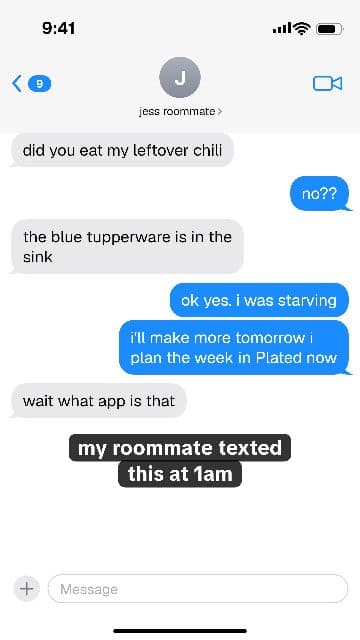
Every post on this page came out of Stratos
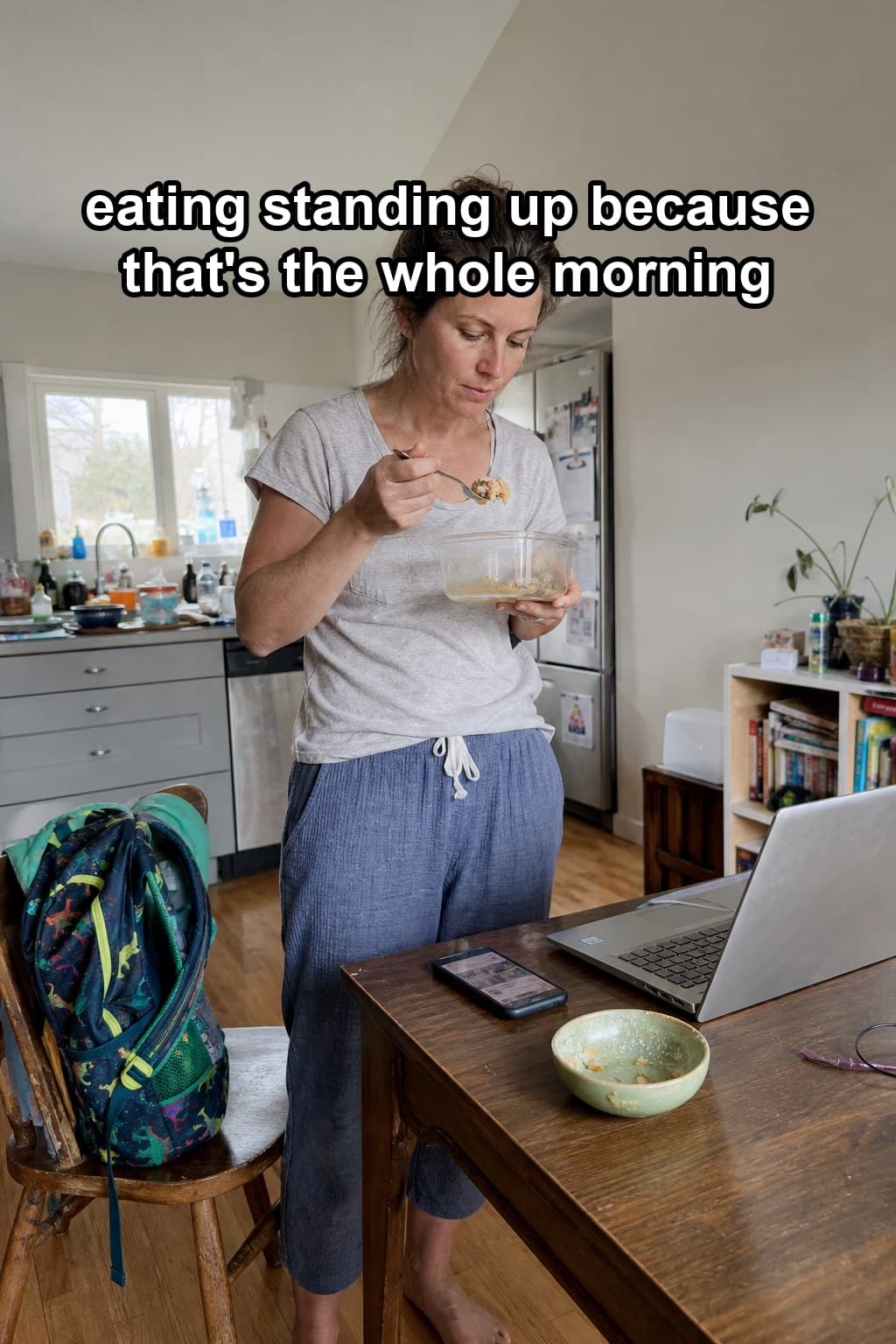
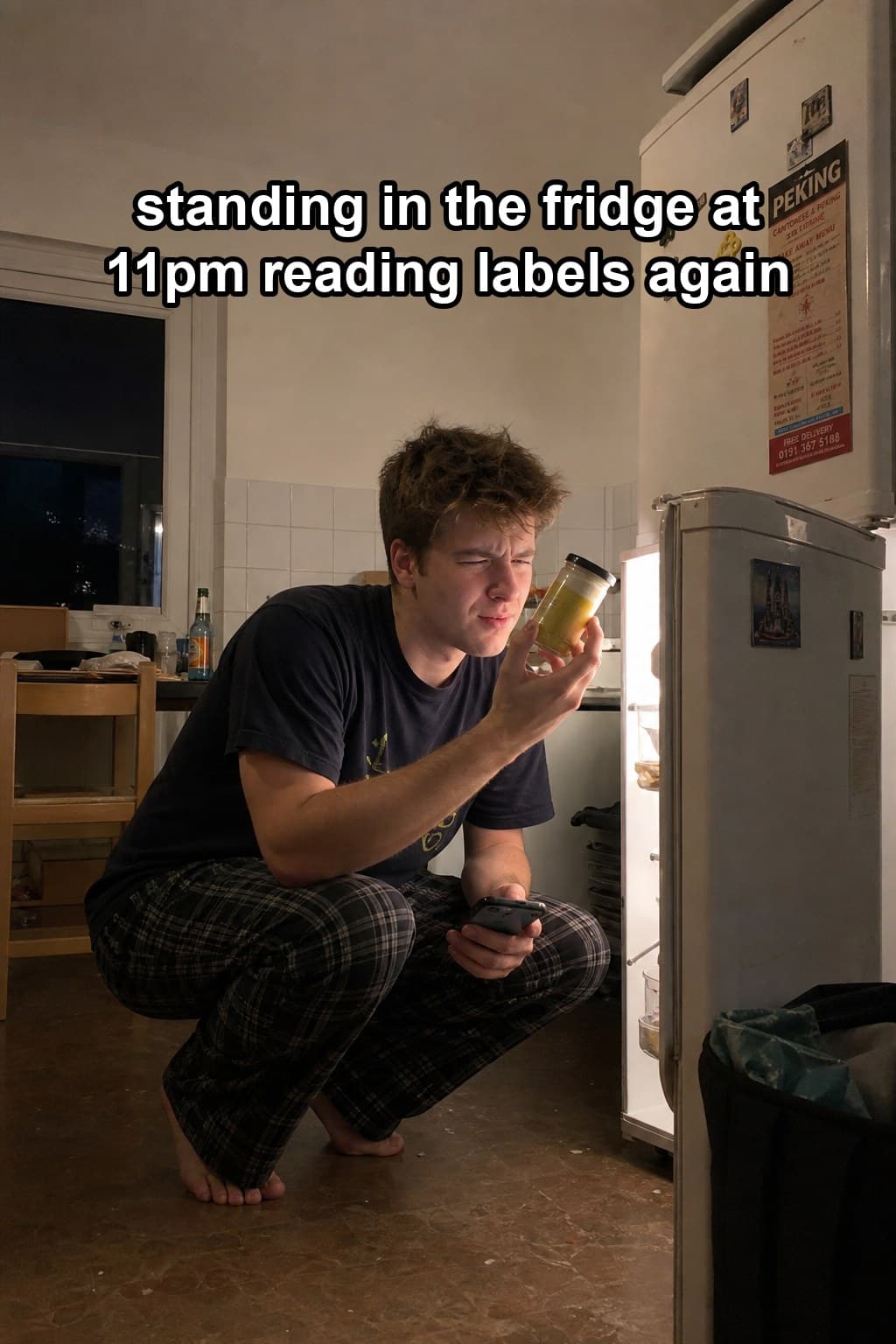
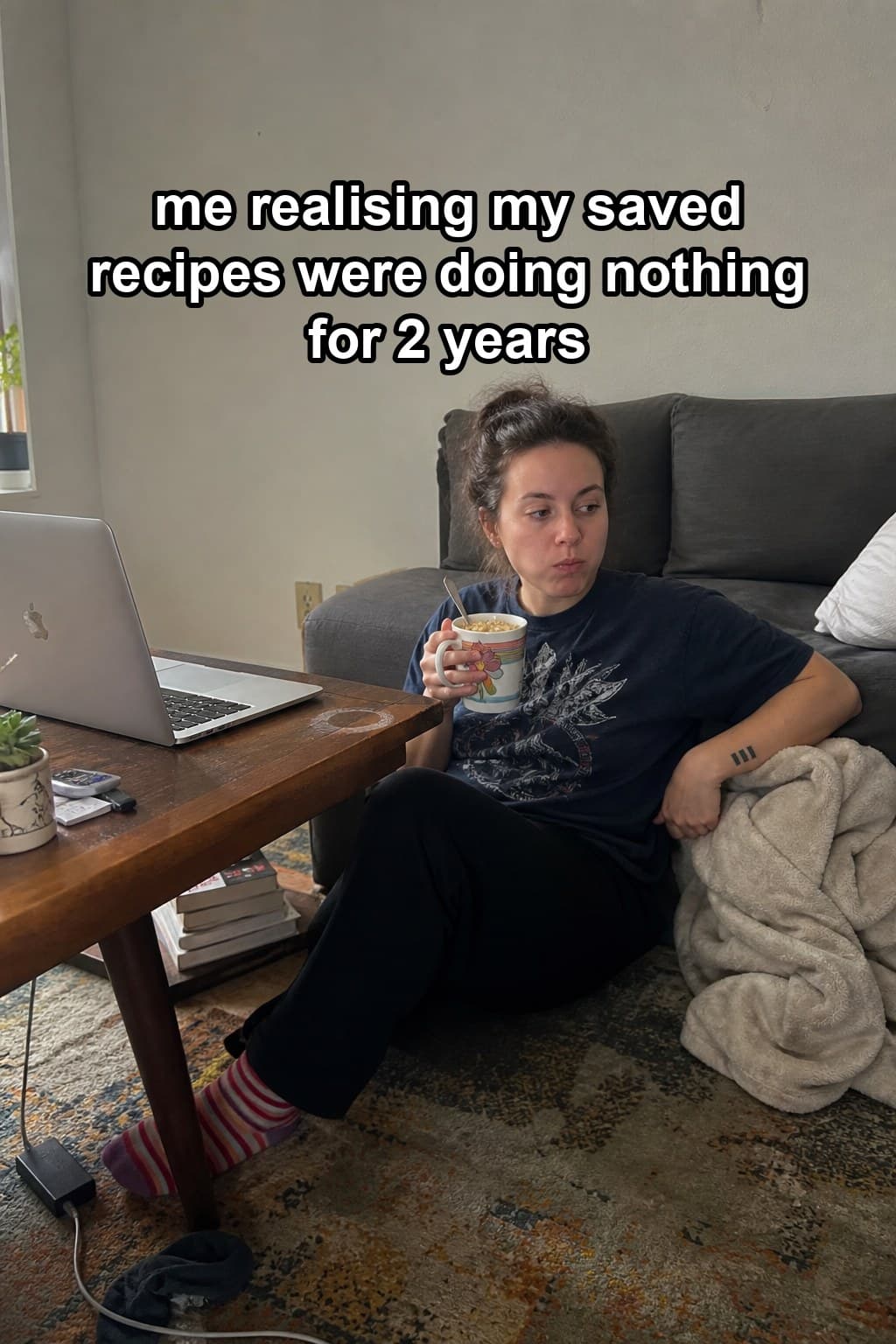
Each one started as an App Store link and came back about ten minutes after somebody pasted it. Nobody filmed any of it and nobody wrote a caption.




Pricing
Two plans, both posting daily
Both start with a 3-day free trial. Your card goes on file today and nothing is charged until the trial ends. Cancel before then and it never is.
Starter
For founders getting their first channel going
About 30 posts a month, one a day
175 credits, billed monthly
Start free trial$0 today, then $29.99 a month after 3 days
- Up to 3 custom characters
- Post analytics and RevenueCat revenue
- Full pre-made character library
- Daily photo posts on autopilot
Growth
Best valueFor founders scaling volume across accounts
About 90 posts a month, three a day
500 credits, billed monthly
Start free trial$0 today, then $79.99 a month after 3 days
- Unlimited custom characters
- Post analytics and RevenueCat revenue
- Higher daily generation ceiling
- Full pre-made character library
- Priority support
A post is a photo slideshow at about 5 credits. AI-creator videos cost more each, so a video-heavy month makes fewer.
Questions
Common questions
What founders ask before they subscribe. If yours is not here, the Discord is the fastest way to reach us.
What is Stratos?
Stratos is an AI marketing platform that automatically creates TikTok content for mobile apps and sends it to drafts for approval. You describe your app or paste its App Store link, and Stratos generates photoreal AI creators, writes TikTok-native hooks, builds videos and slideshows, and posts them on a schedule you set.
How much does Stratos cost?
Starter is $29.99 per month ($24.99 per month billed annually) for about 30 posts a month and Growth is $79.99 per month ($59.99 per month billed annually) for about 90 posts a month. Both plans start with a 3-day free trial: a card is required, nothing is charged until the trial ends, and you can cancel any time from Settings. There is no permanently free tier.
Do I need to film anything?
No. Stratos generates the creators and the videos for you, so every face is a photoreal AI creator and every post is assembled automatically. You can add your own footage anywhere you like, but nothing requires it.
Will the posts look AI-made?
No. Every creator is photoreal and every post gets a fresh hook and a fresh face, in the casual lowercase voice that native TikTok content uses. The proof strip on our homepage is unedited Stratos output.
Is automated posting safe for my TikTok account?
Yes. TikTok posts go to your drafts by default, so you give the final tap before they go live. Instagram Reels and YouTube Shorts publish directly only after you connect those accounts and grant permission.
Why are my TikTok posts getting 0 views?
Almost always because the account is new or has been inactive and TikTok is quietly limiting its reach, which people usually call a shadowban. Warm the account up before posting at volume by spending one to two days engaging like a real user (scroll your niche, watch videos to the end, like, comment, follow), then post once or twice a day for a couple of days, and only ramp up to a full automation schedule once posts are getting normal views. If views stay at zero, pause posting for a day or two, keep engaging, and resume slowly.
Does Stratos make videos or only slideshows?
Both, in four formats. There are photo slideshows, illustrated slideshows with a consistent drawn character, AI-creator videos where a photoreal creator delivers the hook to camera, and hook-plus-demo cuts built over your own app footage. Stratos rotates them so your feed never repeats itself.
Can I connect more than one account?
Yes. You can connect multiple accounts and publish across TikTok, Instagram Reels, and YouTube Shorts from one workspace, each on its own posting schedule. TikTok posts go to drafts by default; Reels and Shorts publish directly once you connect and authorize those accounts.
How long does setup take?
About ten minutes for a full channel. After you choose a plan, Stratos reads your app's link, learns what it does, and begins building the posts for your schedule.
What happens if I run out of credits?
Generation pauses instead of billing you by surprise. Each plan includes a monthly credit allowance plus a daily generation ceiling, you can top up any time and purchased credits never expire, and a generation that fails is never charged.
For developers and agents
Your agent can post too
Connect Claude or any MCP client and it can make posts, approve them and put them on the schedule, through the same engine the dashboard runs on. Nothing ships until it is approved, and TikTok posts still land in your drafts.
claude mcp add --transport http stratos https://mcp.trystratos.ai/mcp